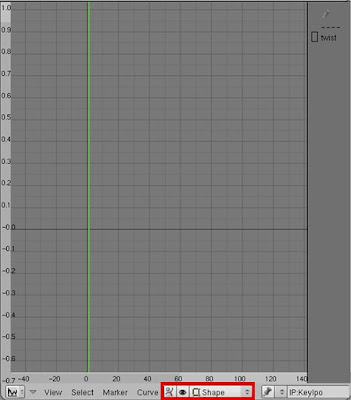
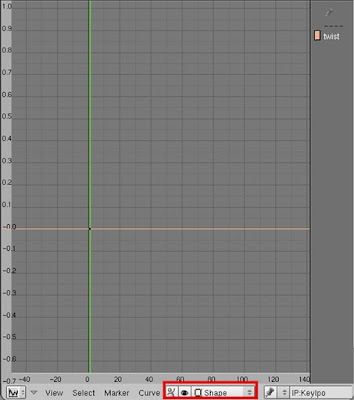
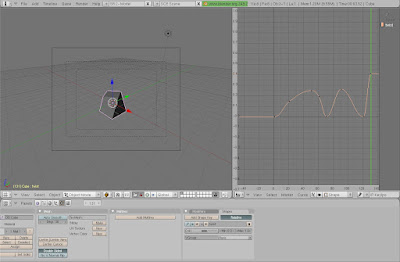
Have you ever wondered how to make a cube twist in Blender? You need to use a feature called a Shape Key. I've tried to find a tutorial on Shape Keys before. But I couldn't find any - so I decided to write one. A Shape Key is used to transform one or more vertexes.
Skill:Medium
Here are the steps:
1. Start up Blender.
2. Enter edit mode by pressing tab (on the keyboard) and press 0(on the keypad) to go into camera view.
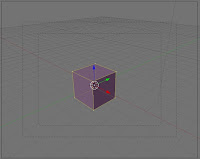
3. Select the vertexes you want to change.

4. Select the Edit tools.
5. Go into the Shapes Tab.
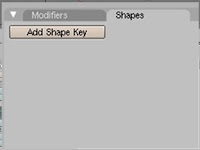
6. Click the Add Shape Key button two times. Notice that the name of this key is Key 1 - you can change this name to whatever you want I'm going to name this key "twist".


7. Drag the slider to the end.
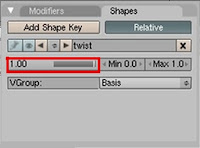
8. Rotate or move the vertex (or vertexes) you want to change.
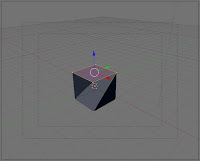
9. Exit Edit Mode and Enter Object Mode.
10. Drag the slider and it will repeat your transformation!
Good job! You can make a Shape Keys! Read My next article about Animating Shape Keys.
Warning! you must
exit edit mode and
enter object mode
or else your slider
will not work!